Keeper onboarding
Redesign review: every change
The redesigned questions, running live with the app’s real components. Flip any one to Original, Pre-Jake (Sep 7) or Pre-Wes (Sep 18). Nothing is saved, and Next does nothing here.
Rounds 3 to 16 · Jake, then Wes, then Jake again
Every section opens on the newest version. Notes are in the rails. Pre-Wes shows the build Wes reviewed on Sep 18, Pre-Jake the one Jake reviewed on Sep 7, Original the app as deployed. The seven ideas Jake and Wes abandoned are off the page.
Approvals: loading.
Sep 27, round 16: Wes said the ideal and acceptable labels on the age and height rulers were hard to read. They now hang straight off the track as brackets over the span each one names, Ideal right under the dark band and Acceptable under the whole light band, instead of sitting as two pills below the scale.
Sep 27, round 15: Jake and Wes disagree on W7, so it has both: Jake’s version (the little people, you among them in amber) and Wes’s version (no silhouettes, just the frescos and the ruler). Switch with the pills above the demo.
Sep 27, round 14: no more look-alikes on the looks ladder. Every rung of the white, Black and East Asian ladders, and the younger South Asian men, is now a clearly different person instead of the same face slightly improved. Hispanic, Middle Eastern and the rest of South Asian follow tomorrow.
Sep 27, round 13: Jake’s notes on the fresco review. No. 47 and the W8 deck keep the keyboard hotkeys: number keys pick a fresco, with the numbers shown on desktop. The W8 deck has a Back button, each question has its own frescos instead of the same three, and the two text cards are full width with one Next. W7 shows your figure among the people again, in amber, with the You label under the ruler.
Sep 27, round 12: from Seth. The W8 stay card gets frescos too (dandelion, sapling, oak, weathervane), so every answer card in the deck matches. W7 has its little people back; You is no longer a figure but an amber marker just under the ruler. Switching units on No. 26 and W7 no longer shifts anything: the chosen fresco doesn’t lift, and the Ideal and Acceptable chips keep one width.
Sep 27, round 11: the seven abandoned ideas are removed: No. 3 trolley fork, No. 9 dream bubble, No. 21 gender flip, No. 25 counter beat, No. 27 children as a person, No. 32 appearance without words, No. 37 debt. Their notes are kept.
Sep 27, round 10: Wes asked for fresco buttons on more questions. The W8 deck answers Yes, No and Depends with three painted buttons, a ship leaving harbour, a lit cottage door and a crossroads signpost, and No. 47 is new: relationship readiness as five moons, crescent to a full golden moon.
Sep 27, round 9: from Wes and Jake in Slack on Sep 24. W7 drops the silhouettes and keeps the Liberty and Eiffel frescos, and ideal and acceptable now read off the ruler the way W6 does, with the pool share on its own line so Next stays put. Pre-Wes still shows the figures.
Sep 22, round 7: Jake’s Sep 21 notes addressed. No. 5 is two separate steps, the name is typed straight onto the stone with the full name carved, the gallery wall is a museum hang, the birthday confetti waits for the constellation, No. 40 is calmer, the timeline says years, new boxes ease in, the swipe deck has hotkeys, the You figure is amber, every religion option has a sticker and the crescent is a moon, core values caps the piles, Speak it is Dictate, the pin copy no longer says drop, the humor test says no sound, ethnicity keeps its dropdown, the location deck is on brand. No. 21 is parked. A third pill, Scratch this, moves any section to the Scratched list.
Sep 22, round 8: the looks ladder faces match the member. Six ethnicity sets (white, Black, East Asian, South Asian, Hispanic, Middle Eastern), men and women, three age bands, 360 portraits, with the mixed set as the default. No. 8 has a Preview as row so you can flick through every set. Also from Seth’s notes: the note under the W5 map about real places is gone, the No. 1 lanes read “In the open forest” and “In a secluded forest”, and No. 23 shows the zodiac for any date as a faint engraving behind the form, not only on a birthday.
Sep 19, round 6: three new ideas at the end of the list, No. 44 to 46 (a carved name, a gallery wall, a map that colours where you have been). The melt now uses the calculator’s figure, No. 5 switches threads with contact pills, the humor test has a ring and a stamp.
Sep 19, round 5: Wes’ notes addressed. Chat windows keep one size and scroll, No. 5 is two slides, text boxes are smaller, polarity sliders show their handle mid-bar on a number line, tattoos arrive one per notch, the birthday traces your constellation, the melt is made of people, stickers sit above the dropdown, core values has two piles and your own words, the phone step is production with the new line, W4 is its own timed test with a 3-to-0 meter, W1 waits for three letters, the globe grows a touch instead of zooming.
Sep 17, round 4: Seth’s notes addressed. W1 reveals with an ink bloom, W5 has real coastlines, the shipped search field and a zoom on landing, W6 ideal handles push the acceptable ones, W7 figures stay put, W8 lost its still-ahead list, W9 blends into the bar, No. 4 shows its delete marks, No. 24 melts evenly, No. 28 centres the sticker, No. 27 uses the real label green.
No. 1
PDA: draw the line
Pull the handle down and everything above it floods green with a check. Tap a row for an exception.
No. 2
Wizard scene painted on the card
Yes: the apple flies at you and is eaten. No: he keeps it.
No. 4
Promotion text as a real chat
Type and send. The window keeps one size and scrolls like a phone; tap the cross to take a message back.
No. 5
Dinner invites as two chats
Two separate steps now, one text each (Jake: “too much cognitive overload”). Pre-Wes and Pre-Jake show the single card they reviewed.
Step 1 of 2
Step 2 of 2
No. 6
Coworker reply as an email
The coworker reply wears an email layout, sized like a real one.
No. 7
Airport line in a speech bubble
The airport line as a pull quote.
No. 8
Looks question on the face ladder
Reference faces in small painted frames along the slider. The faces now match the member: six sets, one per ethnicity in the catalog, each with men and women across three age bands, ten clearly different people per rung. Someone whose ethnicity has no set sees the mixed faces, the default Jake asked for. The Preview as row under the switch is for you two only: pick a gender, age and ethnicity and the ladder swaps.
No. 10
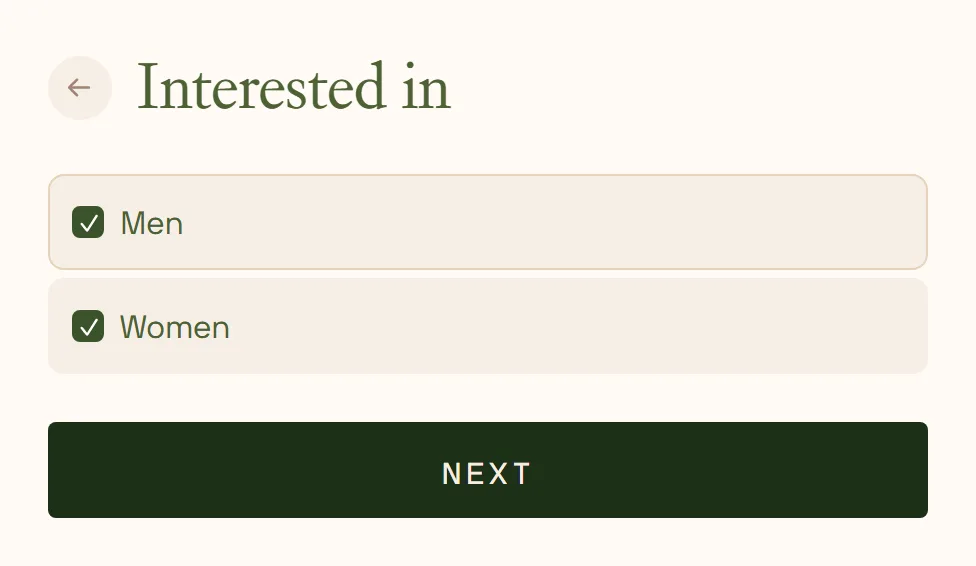
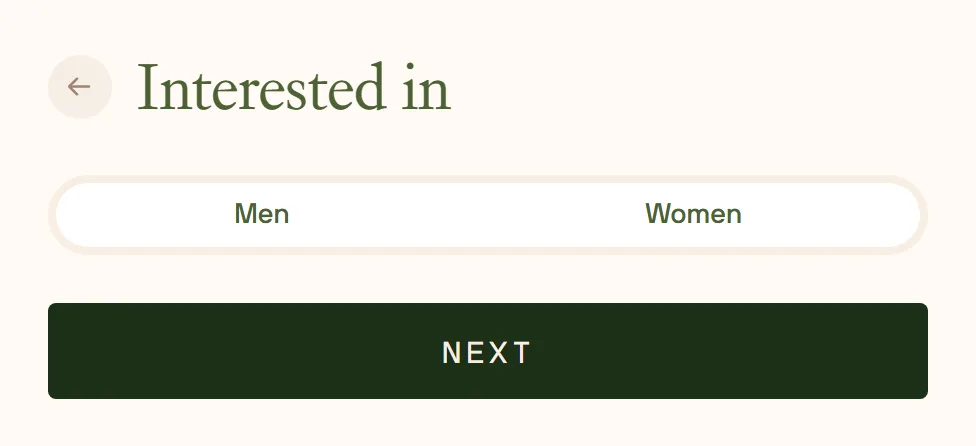
Interested-in matches the gender toggle
Interested-in wears the same pill as “I am a”; pick one or both.
No. 11
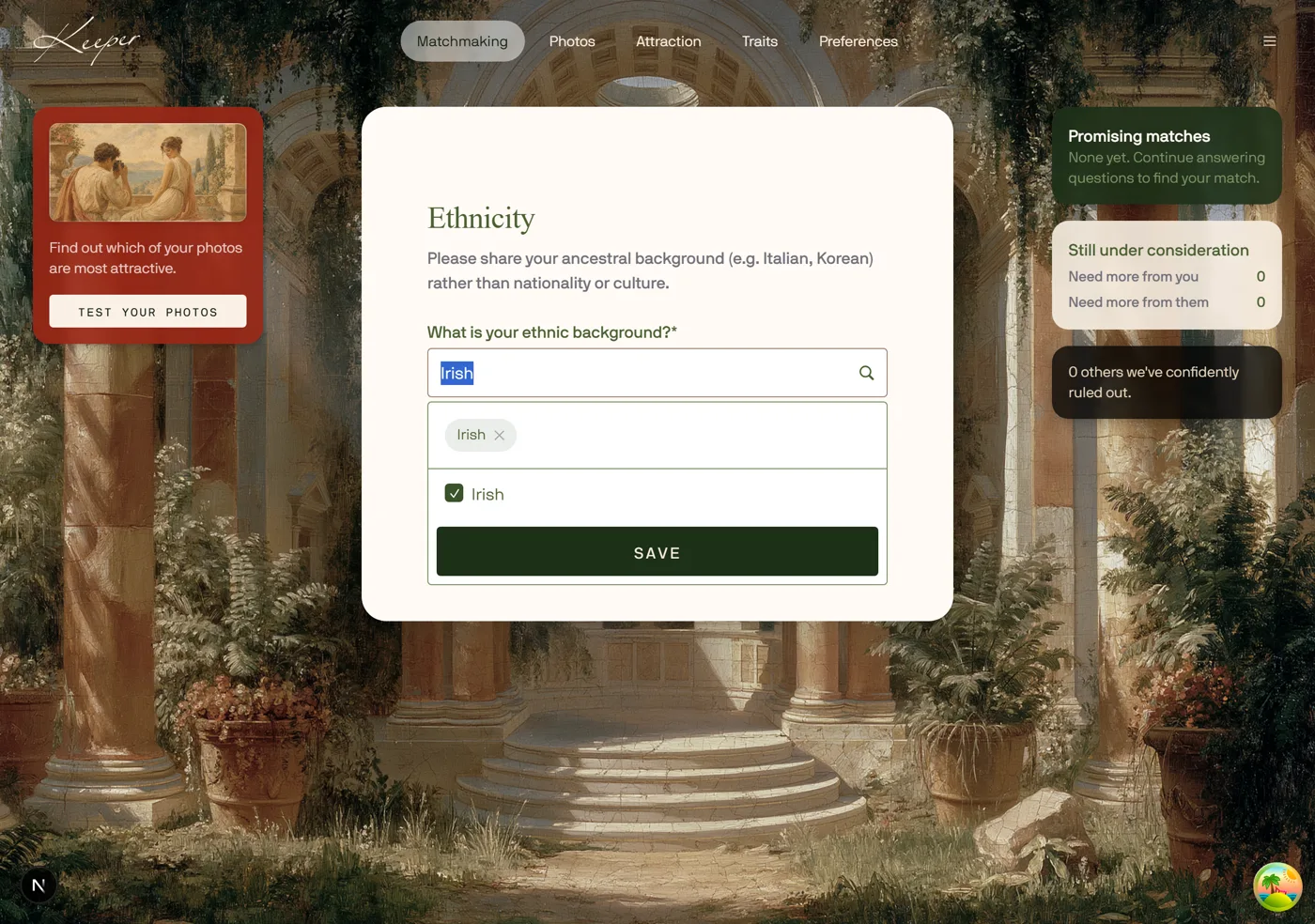
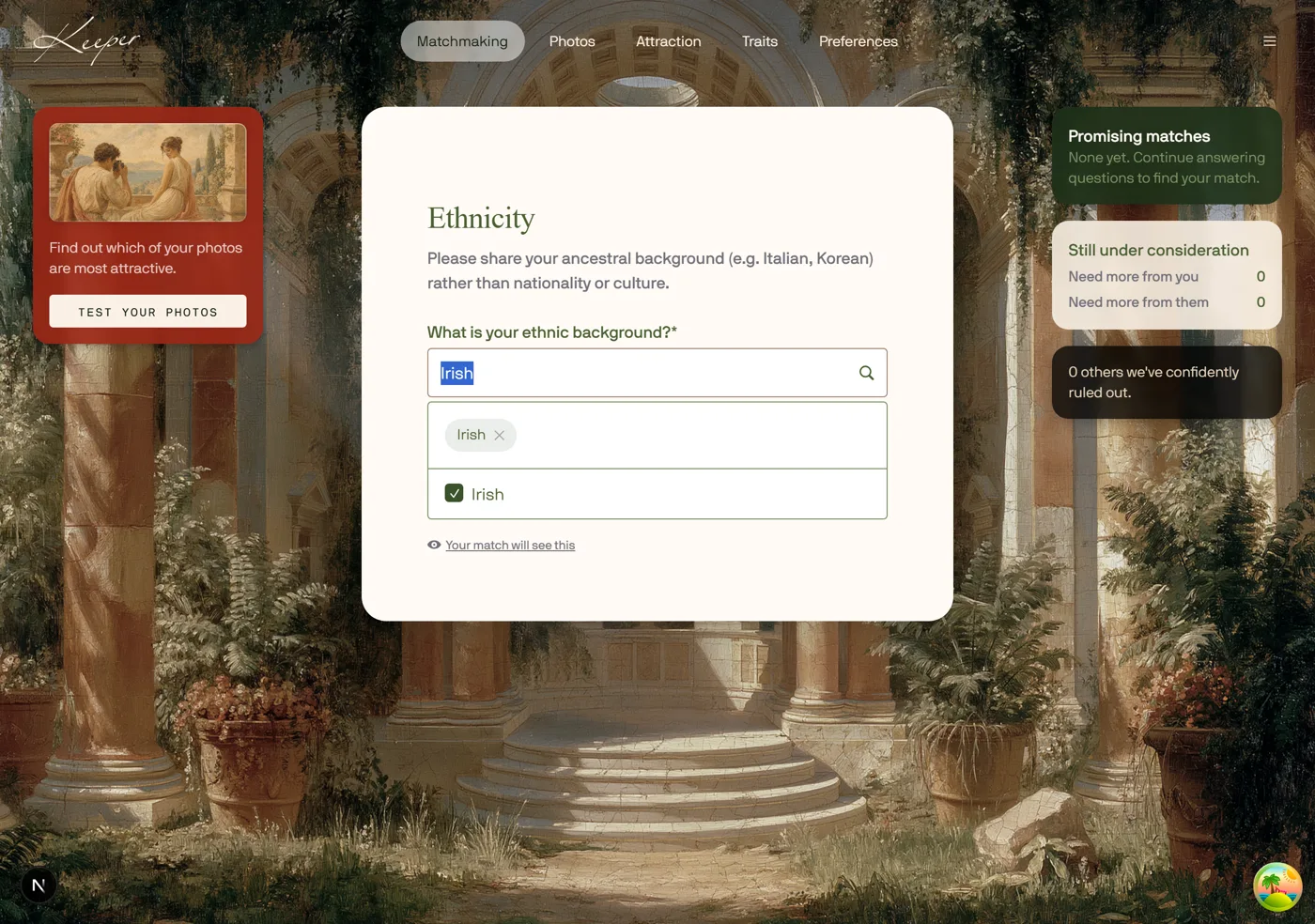
Ticking an option just saves it
Ticking an option saves it and the search query stays.
No. 12
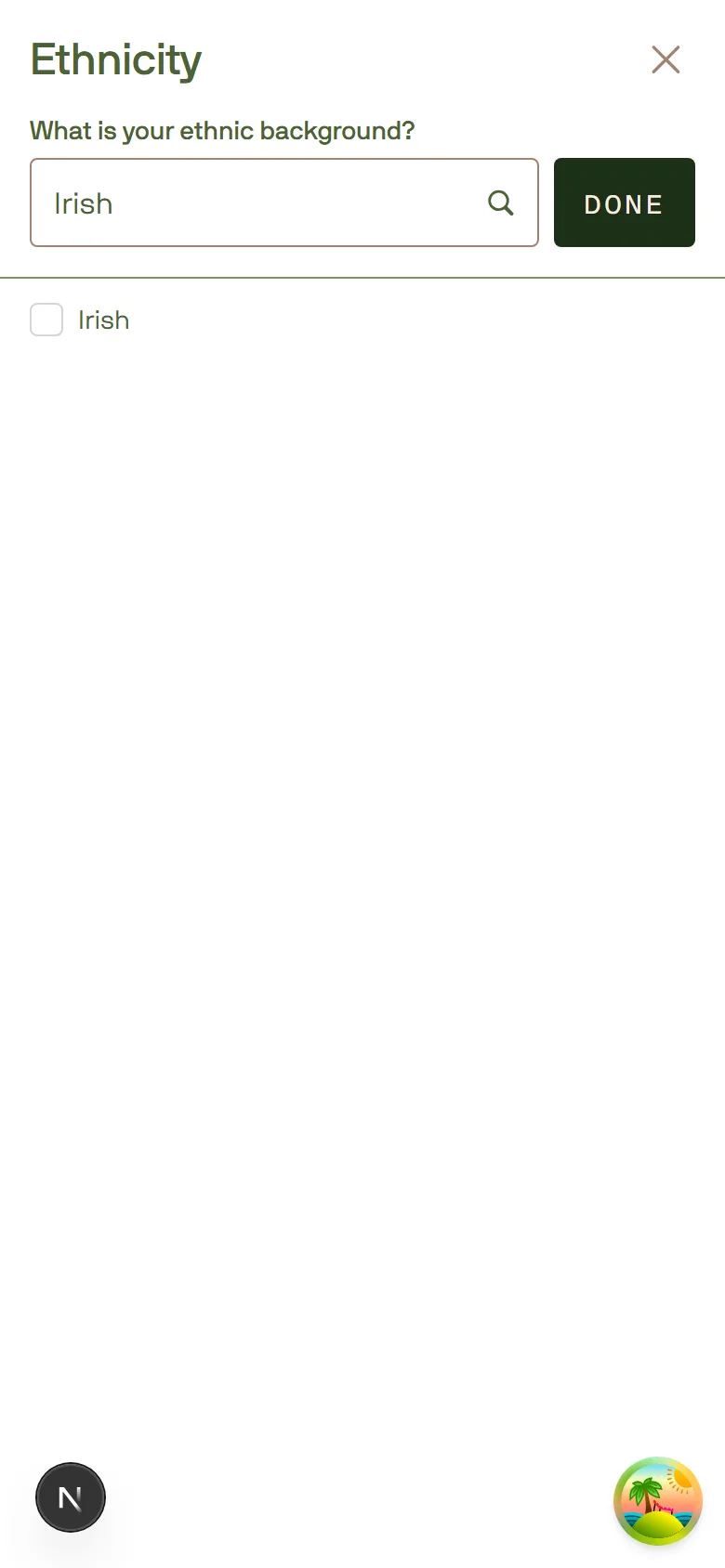
Mobile search closes with Done
Mobile search closes with Done.
No. 13
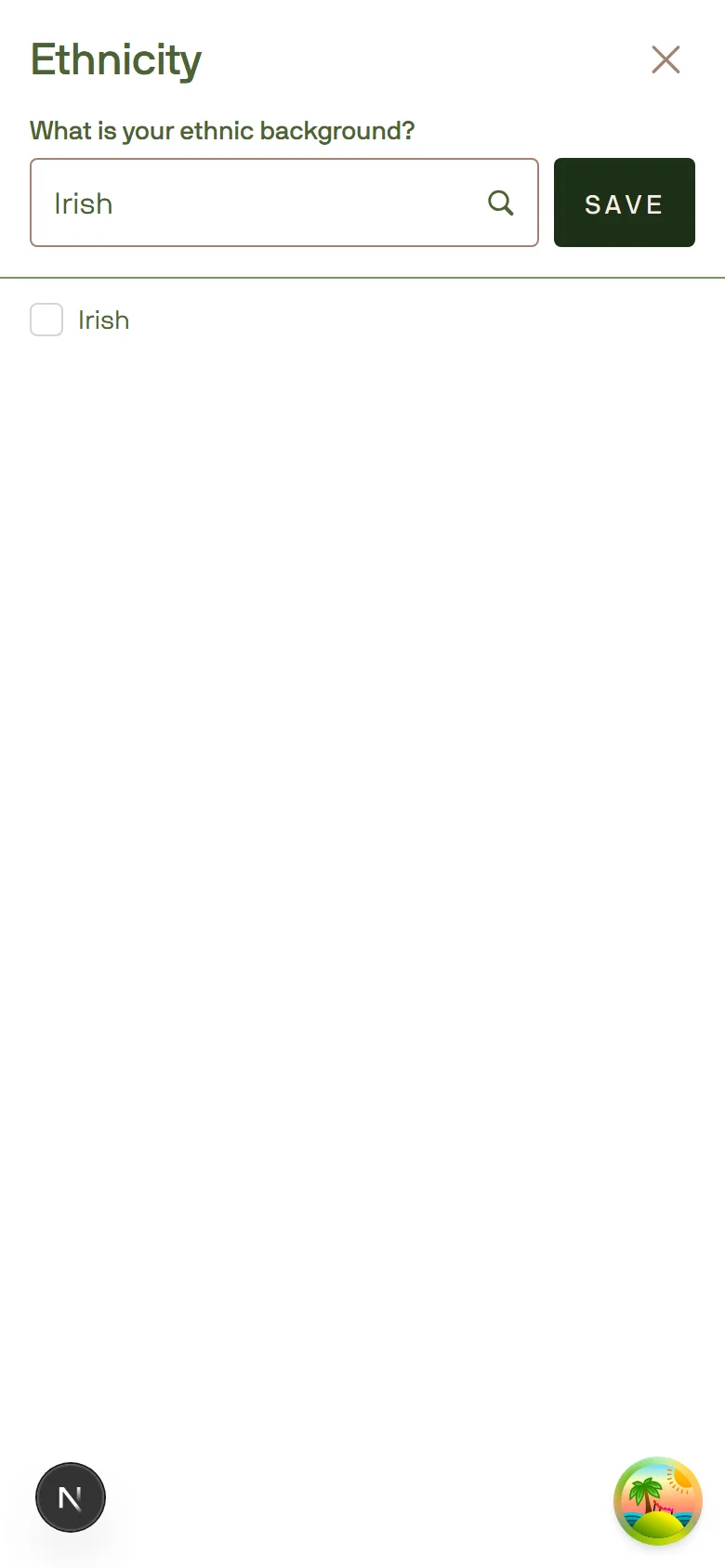
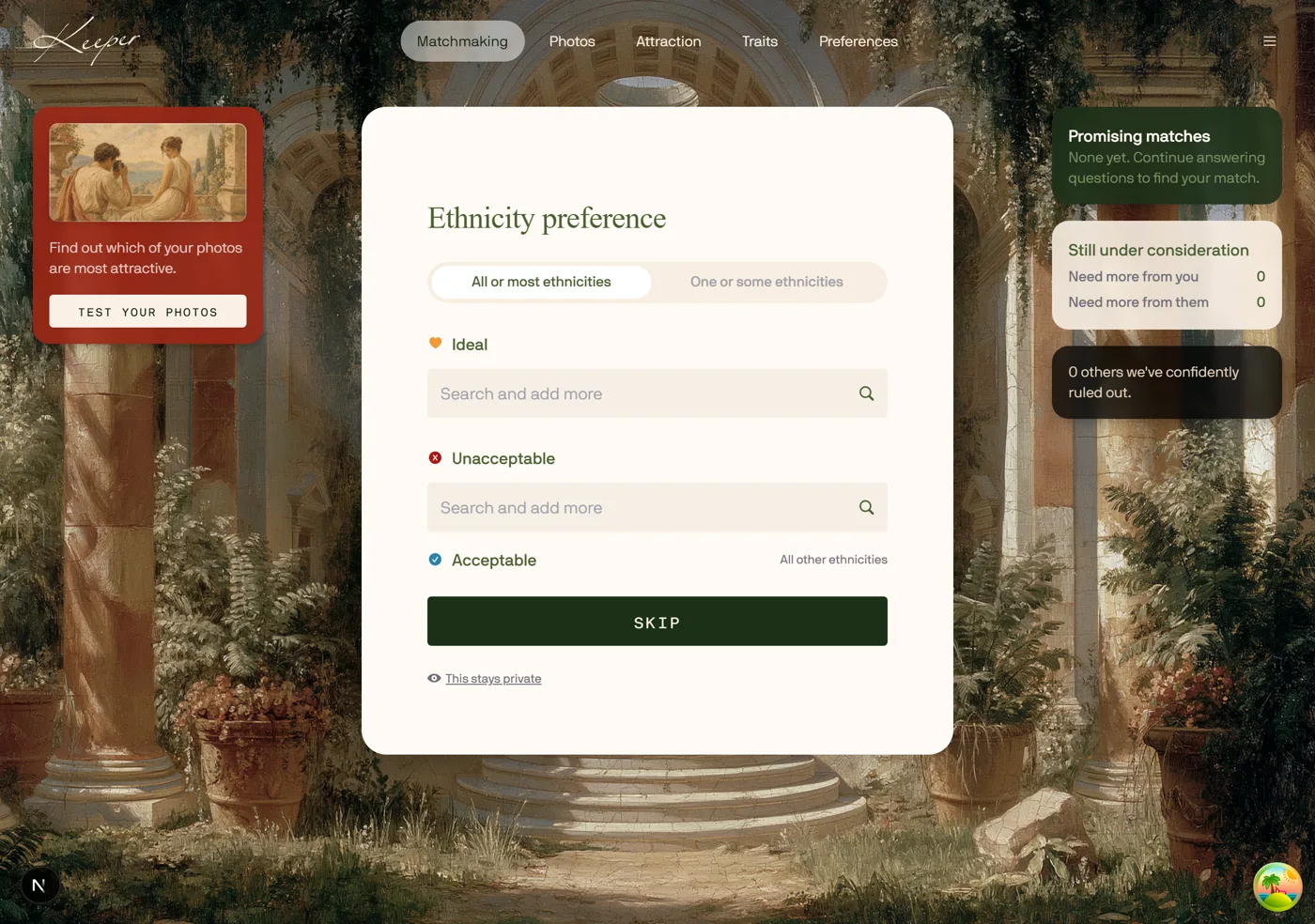
Add-your-own on ethnicity preference
Type something not in the catalog and add it.
No. 14
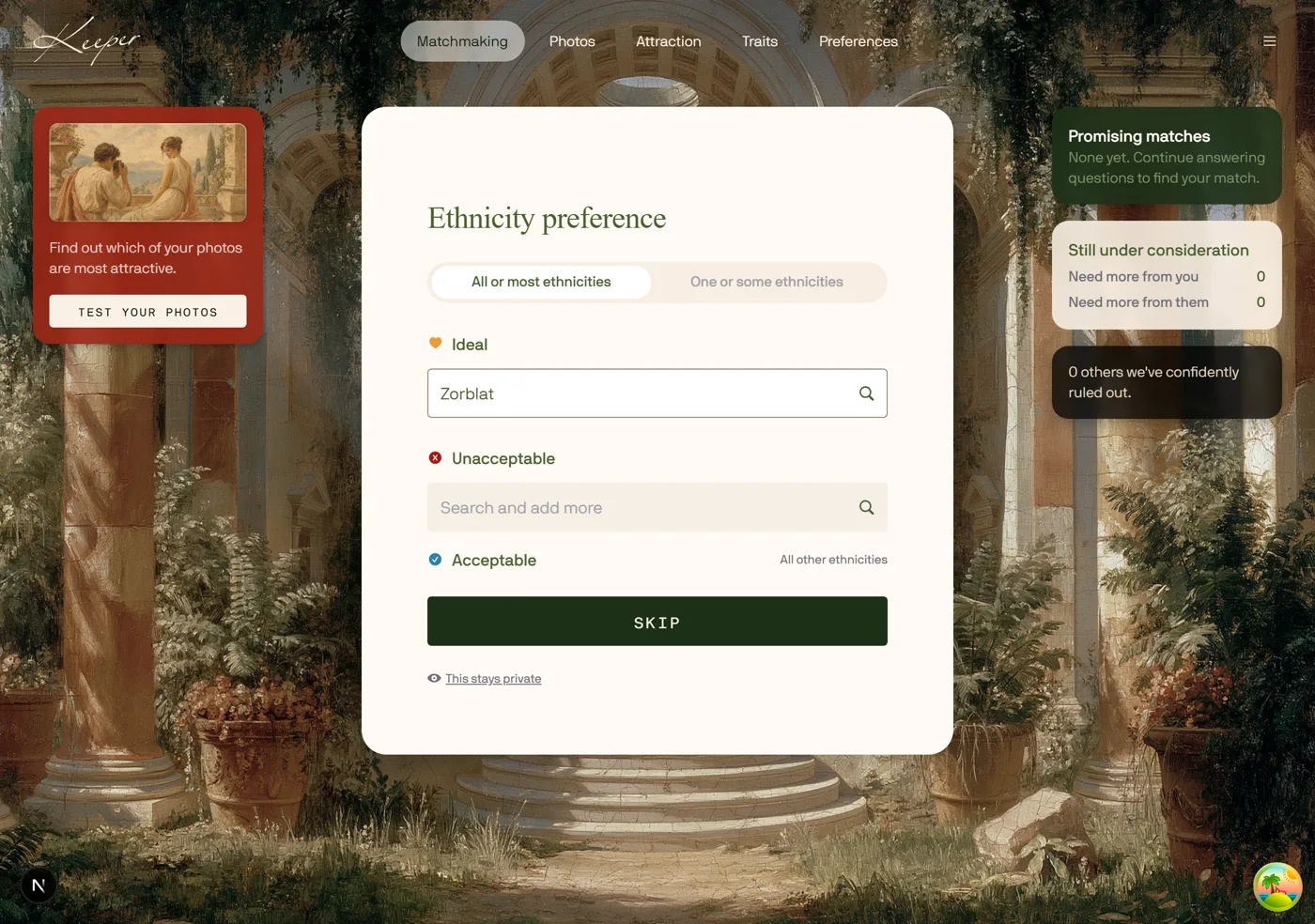
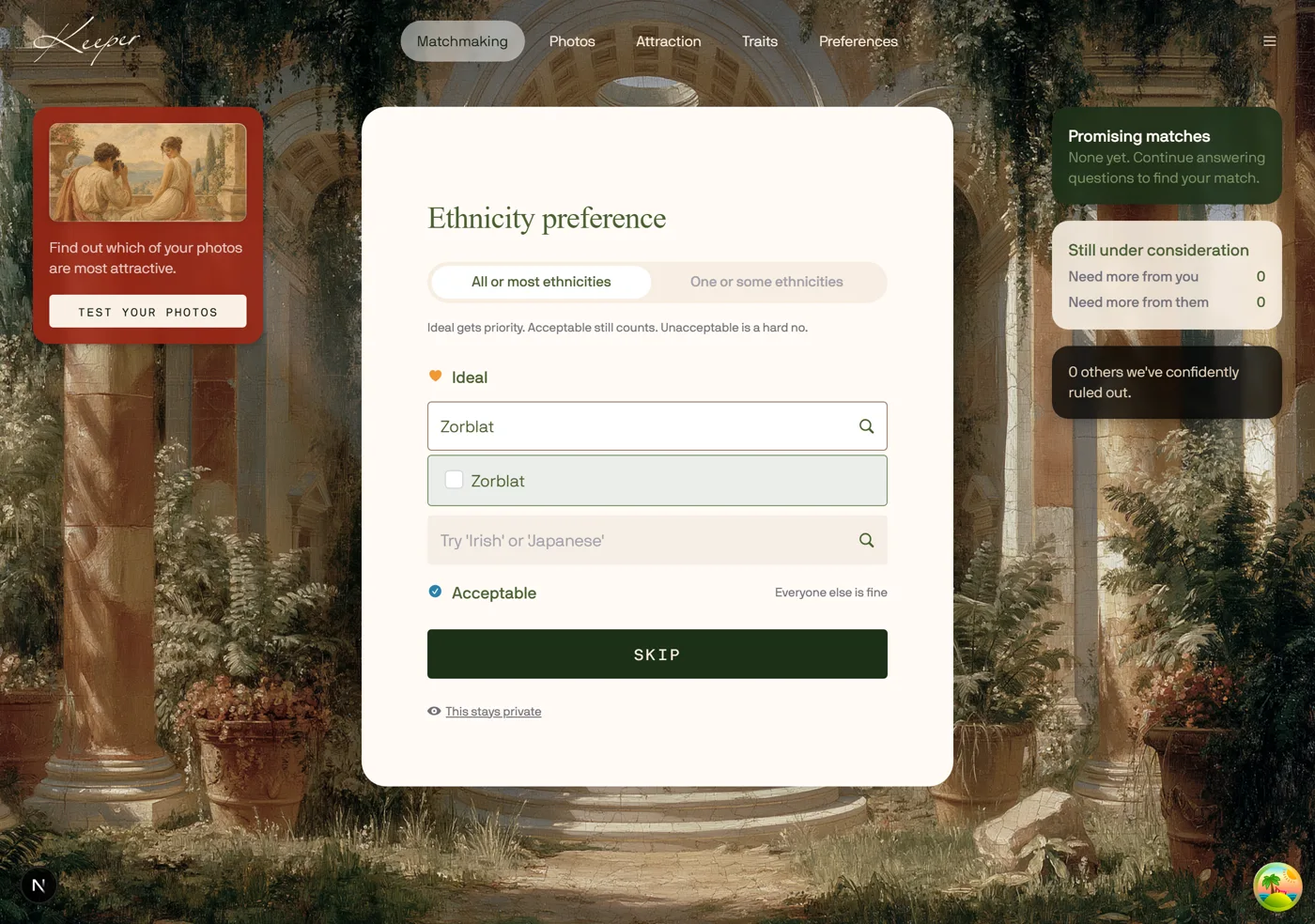
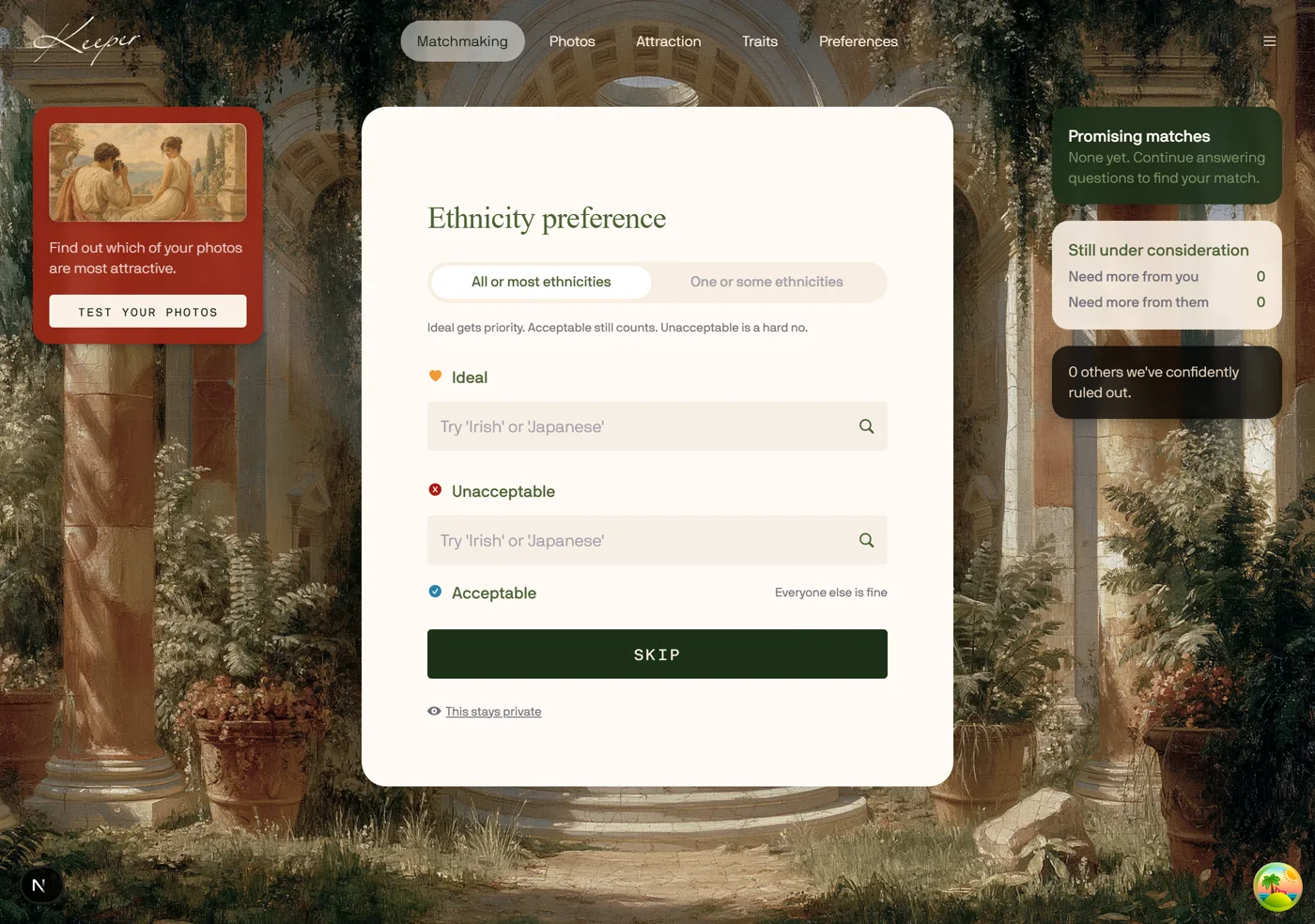
Preference tiers explain themselves
One line says what Ideal, Acceptable and Unacceptable do.
No. 15
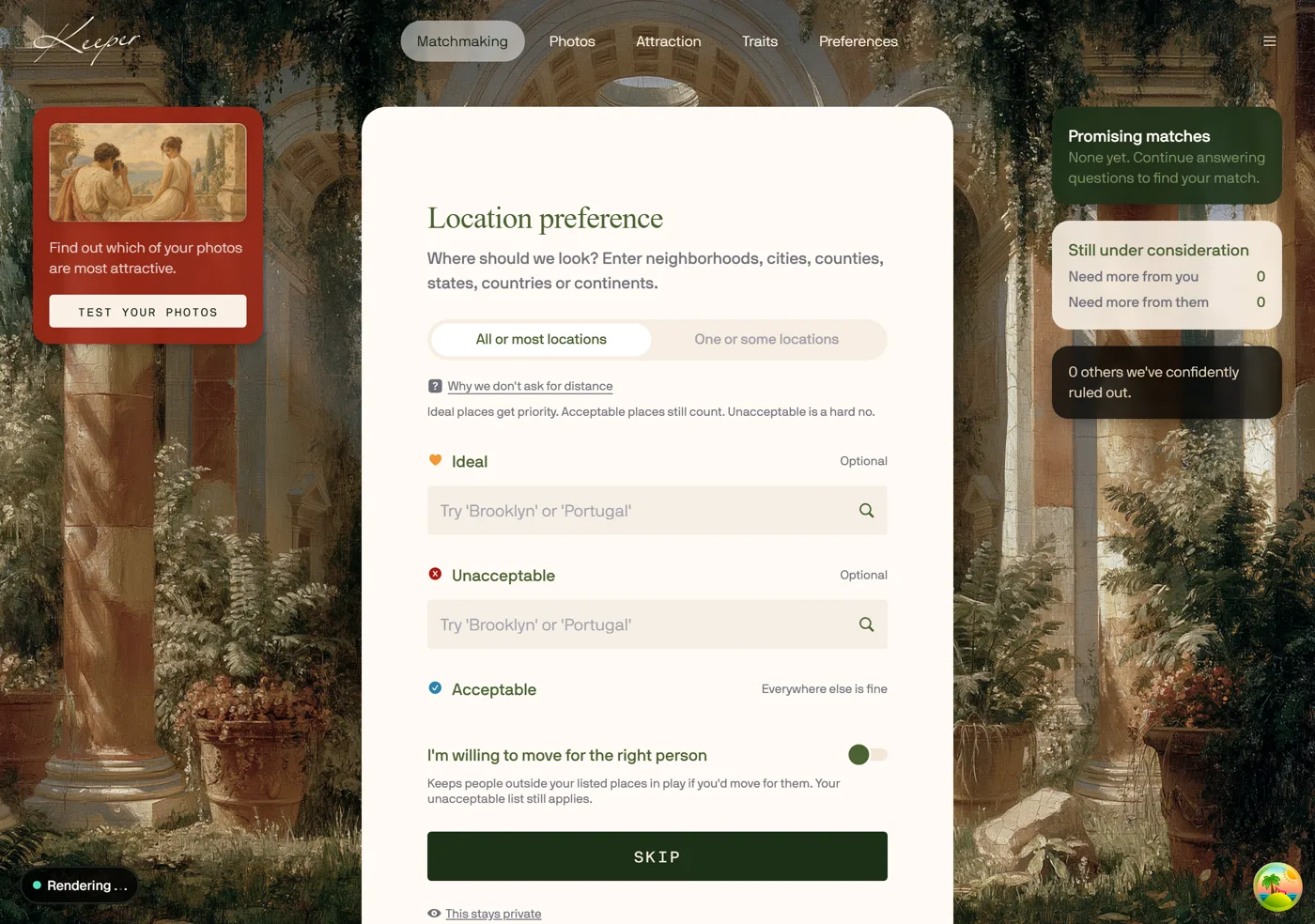
Location screen reads top down
The distance explainer sits under the title.
No. 16
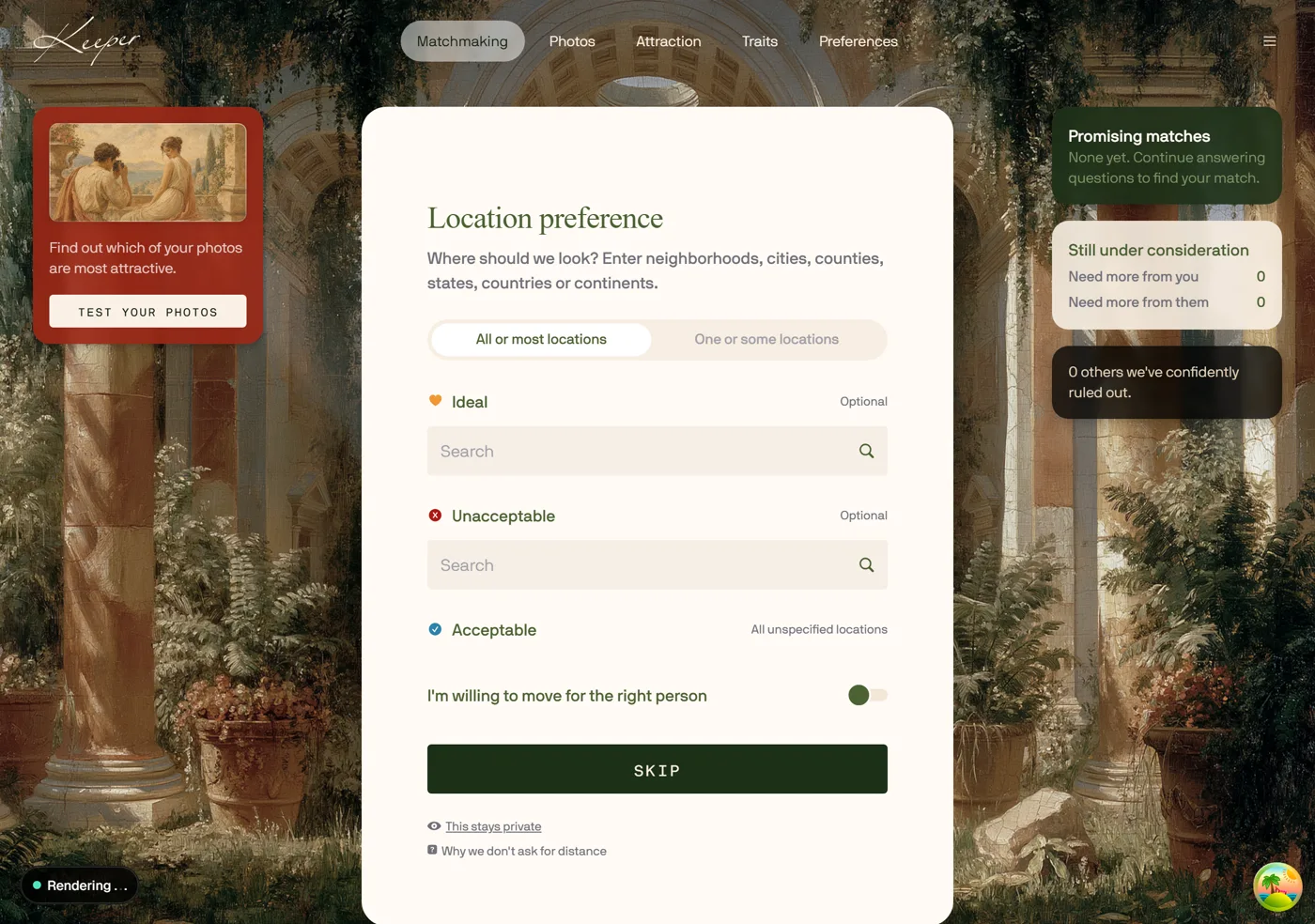
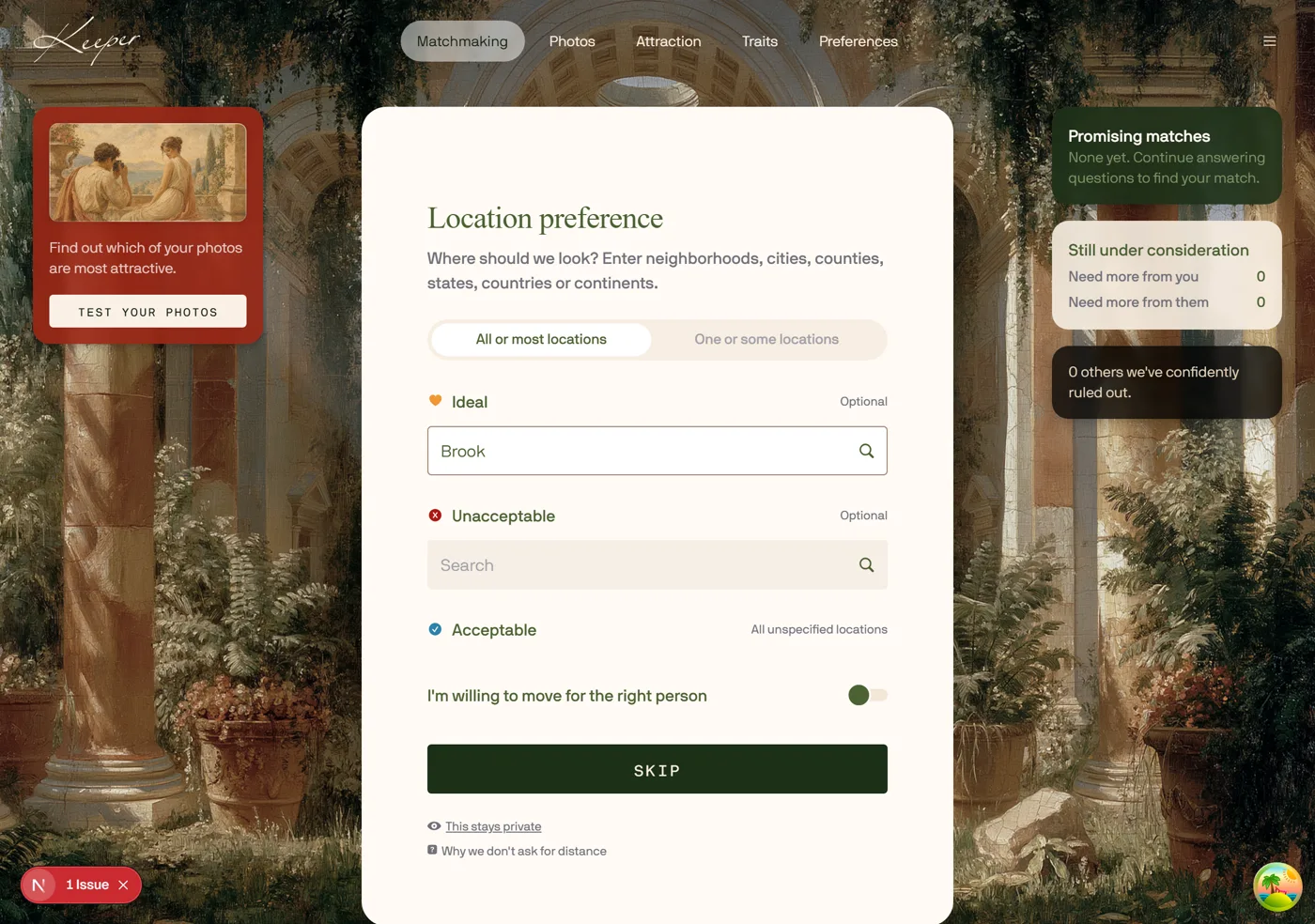
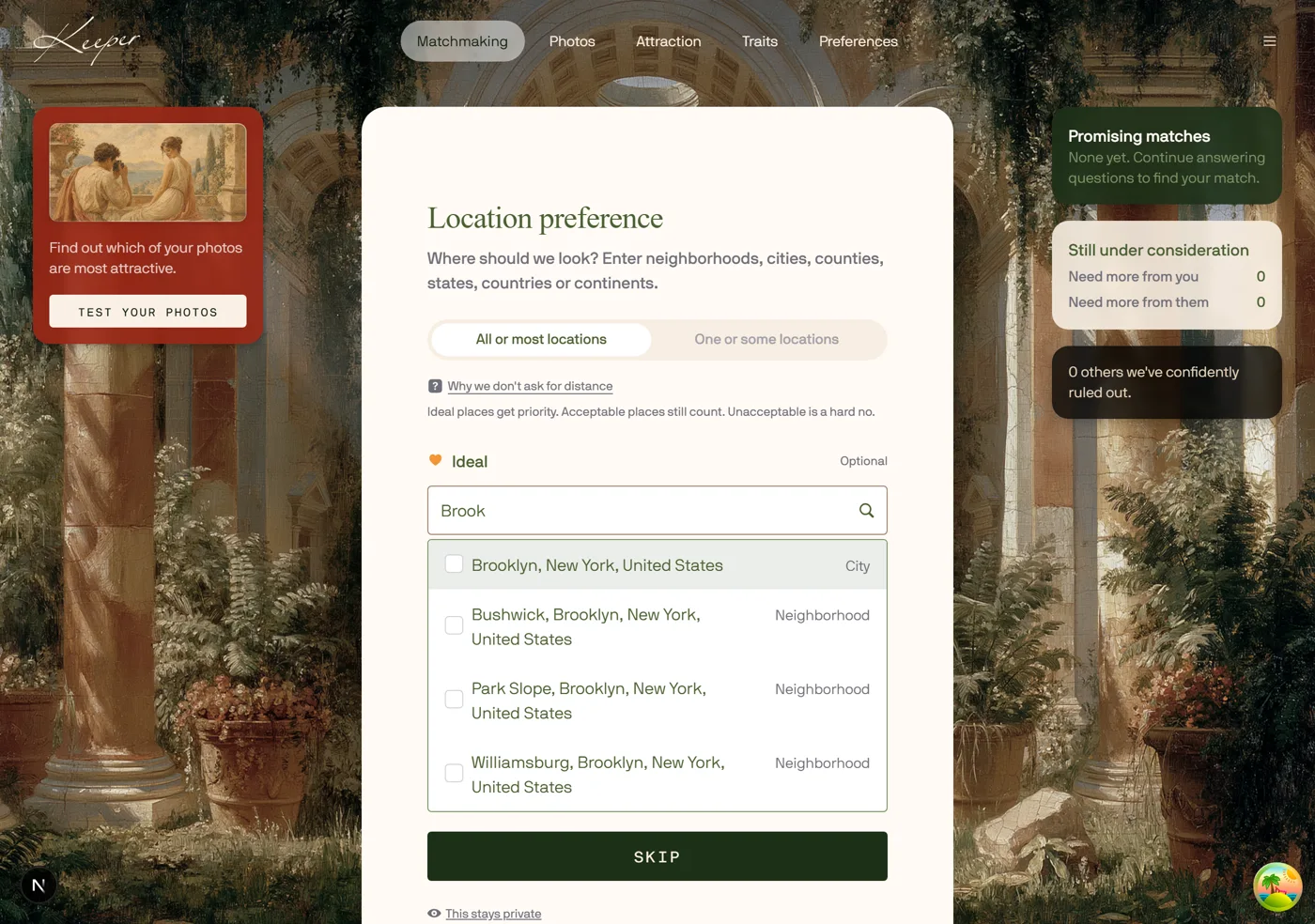
Location search works
Location search returns results now.
Also in this build
Preference edit modal: one DONE button
CANCEL + SAVE PREFERENCE became one DONE.
Real question catalog, word for word
All 143 questions served word for word from staging.
Queue skipping fixed
Replayed answer confirmations no longer skip questions.
Female face images fixed
Women no longer see broken face tiles.
No. 44 · Prototype
Friend's accident, said out loud
The dilemma as a pull quote.
No. 45
Range sliders can't run backwards
Ranges can no longer run backwards.
Prototype round (Aug 26)
Seth’s picks from the idea deck, each with a Redesign and an Original.
No. 22 · Prototype
Interested-in answers back with the pool
Tick Men, Women or both and see how many are on Keeper.
No. 23 · Prototype
Birthday pays you back
Type today’s date: a quiet happy birthday, confetti, and your zodiac constellation traced.
No. 24 · Prototype
Welcome screen: a million melt to one
A field of people melts down to one random survivor.
No. 26 · Prototype
Height: Liberty or the Eiffel Tower
Imperial is the Statue of Liberty, metric the Eiffel Tower. Download the fresco files for colour edits.
No. 28 · Prototype
Religion answers back
Pick a religion: a sticker lands above the field and a member count answers back.
No. 29 · Prototype
About you: two ways past the blank page
Speak it, beside Next. The five-question interview is gone.
No. 30 · Prototype
Age preference: the cost of a year
How many people fit the range.
No. 33 · Prototype
Phone: asked like it matters
The production phone step with one new line of copy.
No. 34 · Prototype
Ethnicity as passport stamps
Chips instead of a dropdown; each pick stamps the card.
No. 35 · Prototype
Core values: sort the deck
Drag the values that matter into Core or Important, or write your own. The rest can stay.
No. 36 · Prototype
Personal finance: the paycheck bar
Five sliders share one paycheck.
No. 38 · Prototype
Agree or Disagree: swipe it (round one)
Statements dealt as cards. Back sits by the tally.
No. 39 · Prototype
Agree or Disagree: swipe it (round two)
Same for safety, fun, risk and customs.
No. 40 · Prototype
Your intelligence: the gap, said out loud
Two sliders on a number line, handles at the middle; the card says what the gap means.
No. 41 · Prototype
Pets: paw prints on the card
Every pet leaves a print on the card.
No. 42 · Prototype
Body modifications: tattoo flash
Each notch on the tattoo slider adds a motif to the margins.
No. 43 · Prototype
Family timeline: a slider, not a box
Years from now on a timeline, Now to 15+.
Wes suggestions
Wes’ nine, built and running live.
W1 · Wes
Fog over the next question
The ambitions box appears once the first answer has three letters.
W2 · Wes
The number grows as you slide
The number grows as you slide toward ten.
W3 · Wes
Stickers for what you tell us
Pick a religion and a sticker is pressed onto the card. Same panel as No. 28.
W4 · Wes
Humor as a timed test
A timed test on its own: a comedian every three seconds, a ring counting 3 to 0, a stamp when you laugh. The sliders come after.
W5 · Wes
Location lands with a pin
Search your city and the pin finds it on the globe, which grows a touch as it lands.
W6 · Wes
Age preference on one ruler
One ruler, 18 to 65, the ideal range nested inside the acceptable one.
W7 · Wes
Height preference: frescos on one ruler
The unit buttons are the Liberty and Eiffel frescos, then the W6 ruler: ideal nested in acceptable, your height marked under it, the pool share underneath. Two versions to compare: Jake’s keeps the little people standing on the ruler with you among them in amber; Wes’s drops the silhouettes and keeps just the frescos and the ruler.
W8 · Wes
Location preference as a card deck
Seven short cards instead of one form, and every answer card uses fresco buttons. How long you are staying: a dandelion blowing away, a staked sapling, an old oak, a weathervane for not sure. Each how-far card has its own set: far away is a ship, a lit cottage and a crossroads; another country a bridge to a far city, a hill town, a mountain fork; six hours by plane migrating swallows, a dove in its nest, a swallow on a mooring post; moving a loaded cart, a front door with the key in it, a half-packed trunk. Number keys pick an answer, and Back steps through the cards.
W9 · Wes
Level up the strength meter
Add interests and the strength meter flares as it climbs.
No. 44 · Seth
Your name, carved in stone
Type your name and it is cut into a stone tablet above the field, letter by letter.
No. 45 · Seth
Your photos on a gallery wall
Uploads hang in gilt frames. Drag to rehang; the first frame is the profile photo.
No. 46 · Seth
Where you have been
A new question, not in the app today. Type a country or tap it and it colours in; the count keeps score. Jake asked how it serves matching: the answer would be a travel-compatibility signal alongside location preference, so it is parked as an idea until that is wanted.
No. 47 · Seth
Relationship readiness by moonlight
The five readiness answers as fresco buttons, with the number keys still working: one seascape, and the moon fills as the answer climbs, from a huge golden moon for my top priority down to a thin crescent for not a priority. Original is the radio list the app uses today.
Scratched
Anything Jake or Wes scratches from here on moves under this heading.